The short version
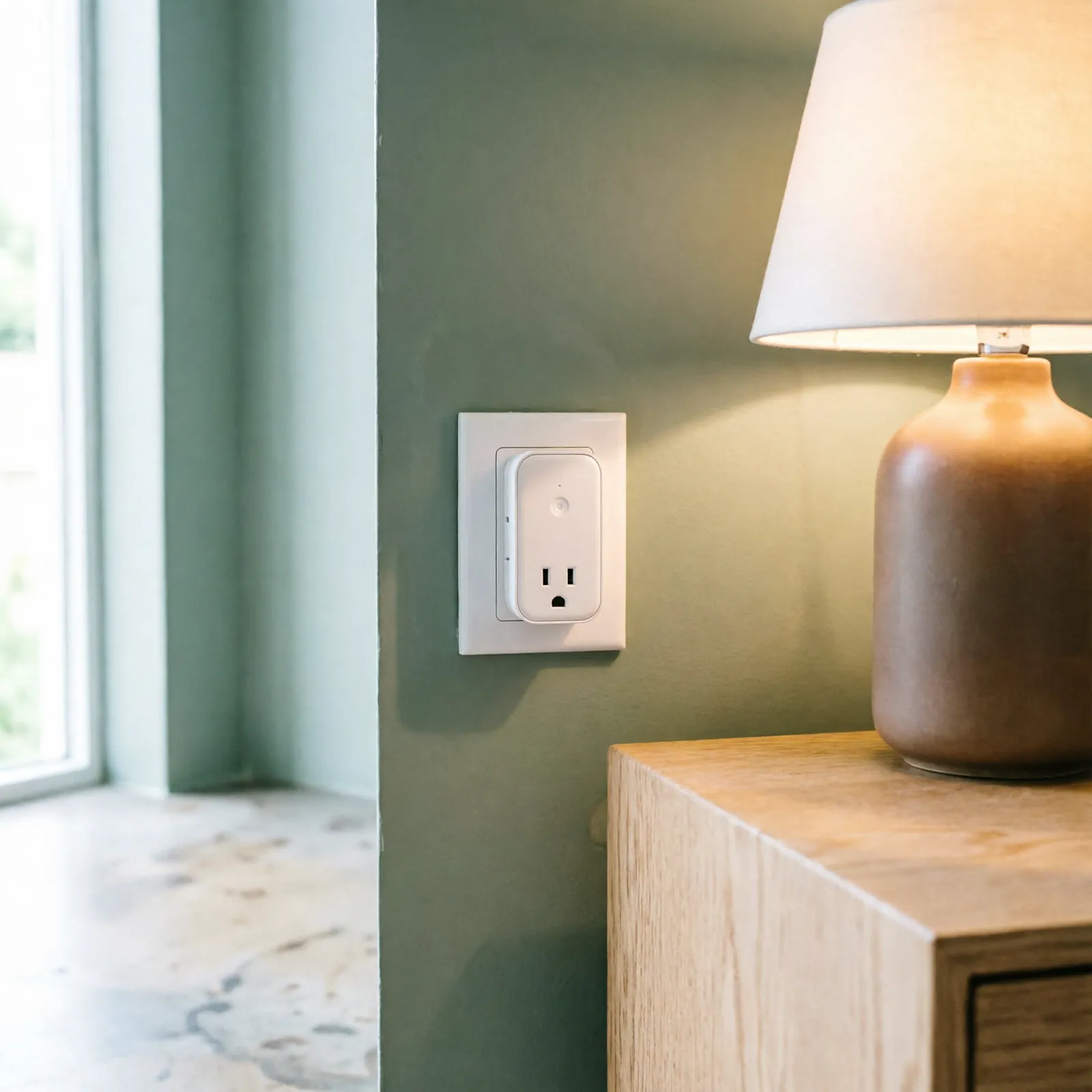
Smart home compatibility comes down to three questions: which protocol the device speaks, whether it needs a hub, and which app or assistant controls it. Get those right and almost everything else is detail.
The safest rule for a new buyer is simple: buy Matter-certified devices where you can, and avoid anything that only works inside a single manufacturer's app.
The standards, plainly
Matter
A shared compatibility standard backed by Apple, Google, Amazon and Samsung. A Matter device works across all of them without needing separate integrations. It is the closest thing the industry has to a universal answer, and it is the first thing to look for on the box.
Thread
A low-power mesh networking protocol that devices use to talk to each other. Thread devices respond faster and are more reliable than Wi-Fi devices in larger homes, and they need a Thread border router — built into many recent smart speakers and hubs.
Wi-Fi and Bluetooth
Wi-Fi devices connect straight to your router with no hub, which is convenient but adds load to your network. Bluetooth is used for setup and for simple devices like locks and sensors, usually with limited range.
At a glance
Swipe the table sideways to compare every specification.
| Feature | Recommended Matter Buy this if unsure | Wi-Fi Simplest setup | Proprietary hub Most capable |
|---|---|---|---|
| Works across ecosystems | Yes | Depends on the app | No |
| Needs a hub | Border router for Thread | No | Yes |
| Setup difficulty | Easy | Easiest | Moderate |
| Reliability at scale | Very good | Can strain the router | Excellent |
| Works offline | Local control | Often cloud-dependent | Local control |
| Future-proofing | Best | Variable | Locked to one brand |
| Buy |
Matter
Buy this if unsure
- Works across ecosystems
- Yes
- Needs a hub
- Border router for Thread
- Setup difficulty
- Easy
- Reliability at scale
- Very good
- Works offline
- Local control
- Future-proofing
- Best
Wi-Fi
Simplest setup
- Works across ecosystems
- Depends on the app
- Needs a hub
- No
- Setup difficulty
- Easiest
- Reliability at scale
- Can strain the router
- Works offline
- Often cloud-dependent
- Future-proofing
- Variable
Proprietary hub
Most capable
- Works across ecosystems
- No
- Needs a hub
- Yes
- Setup difficulty
- Moderate
- Reliability at scale
- Excellent
- Works offline
- Local control
- Future-proofing
- Locked to one brand
SnagaReview is reader-supported. When you buy through links on our site we may earn an affiliate commission at no extra cost to you. Read our full affiliate disclosure.
Do you need a hub?
For Wi-Fi smart plugs and bulbs, no. They connect directly to your router and work with an app and voice assistants straight away.
A hub earns its place in three situations: you are running many devices and want to keep them off your Wi-Fi, you want local control that keeps working when the internet drops, or you are using a proprietary system such as a specific lighting or security range.
For a first smart home purchase, skip the hub. Buy a few smart plugs, learn what automation you actually use, and expand from there.
Choosing an ecosystem
Pick one and run daily control from it: Apple Home, Google Home or Amazon Alexa. Mixing is possible with Matter, but keeping one place to manage everything saves a great deal of confusion.
The choice is mostly determined by what you already own. If the household runs on iPhones, Apple Home is the natural choice. If there are smart speakers in the kitchen, start with that assistant. Compatibility is now good enough that this is a preference rather than a constraint.
Buying checklist
Before you buy, confirm these five things
- The device is Matter-certified, or clearly supports your chosen ecosystem
- It works locally, not only when the internet is available
- It does not require a proprietary hub unless you intend to buy into that system
- The app has a reasonable rating and a track record of updates
- Your 2.4 GHz Wi-Fi reaches the location where the device will live
Common questions
What is Matter in simple terms?
A shared language for smart home devices. A Matter-certified product works with Apple, Google and Amazon ecosystems without needing brand-specific integrations.
Do smart plugs work without internet?
Manual control and stored schedules usually continue to work locally. Voice assistants and remote access need an internet connection.
Will my devices stop working if the manufacturer shuts down?
Cloud-only devices carry that risk. Devices with local control and Matter support keep working even if the manufacturer disappears — which is a good reason to prefer them.
How many devices can one router handle?
Most modern routers handle dozens of smart devices comfortably. Problems appear with very large numbers or weak Wi-Fi in the room where devices sit, which a mesh system or Thread resolves.
SnagaReview is reader-supported. When you buy through links on our site we may earn an affiliate commission at no extra cost to you. Read our full affiliate disclosure.